CLAUDE.md
CLAUDE.md
This file provides guidance to Claude Code (claude.ai/code) when working with code in this repository.
Overview
This is a personal academic website for Dr. Liran Ma, built with Jekyll and the academicpages theme (based on Minimal Mistakes). It is hosted on GitHub Pages at liranma.github.io.
Commands
# Install dependencies
bundle install

# Serve locally with live reload
bundle exec jekyll serve --livereload

# Build for production
bundle exec jekyll build

# Push to GitHub (triggers automatic GitHub Pages build)
git push origin master

# Check build status
gh run list --limit 5

# View failed build logs
gh run view --log-failed
Note:
ghis installed via Homebrew. If not found, runexport PATH="/opt/homebrew/bin:$PATH"first.
Architecture
Pages (_pages/)
The four active pages are:
about.md— Home page (/), usesclasses: hide-titleto suppress the visible H1 while keeping the browser tab titleresearch.md— Publications and AI projectsteaching.html— Courses taughtnews.md— Recent news (new degree programs)
Navigation is defined in _data/navigation.yml.
Styling (_sass/)
The theme uses a custom navy/teal color scheme with Inter font (loaded via Google Fonts in _includes/head.html).
Key SCSS files:
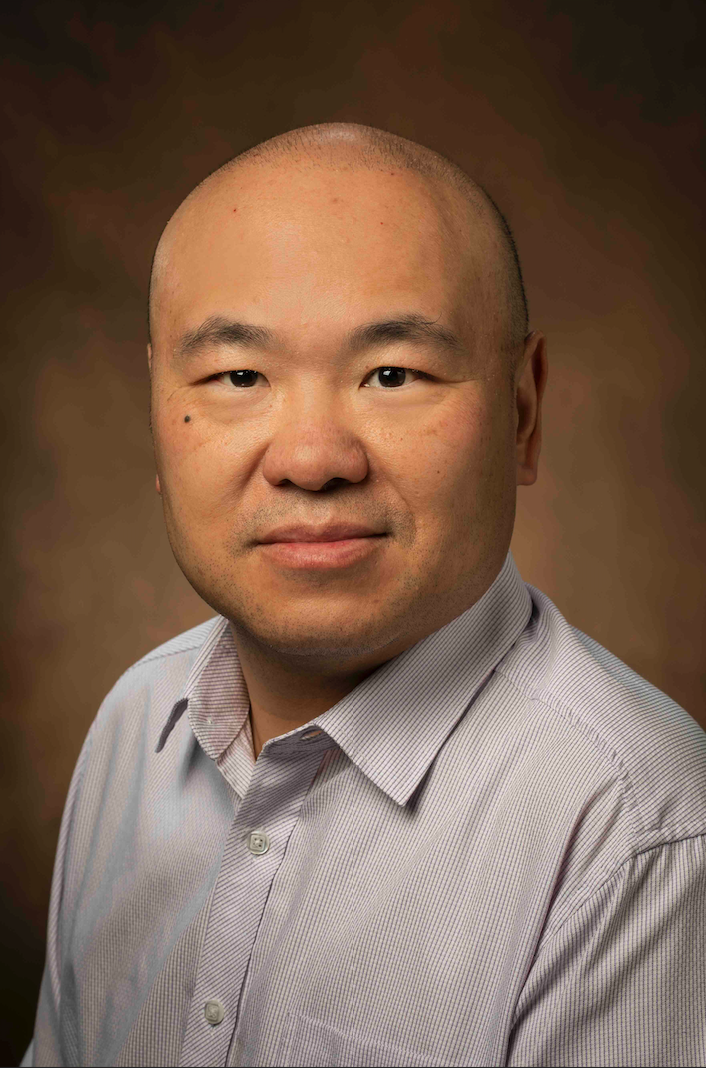
_variables.scss— All colors, fonts, breakpoints. Primary color is$navy: #1a365d, link color is$teal: #2b6cb0._sidebar.scss— Profile image is 200×200px circle (border-radius: 50%) withobject-position: center 30%to center the face._masthead.scss/_navigation.scss— Navy top bar with white nav links._page.scss— Contains.hide-titleclass (used on home page) andh2section dividers.
Sidebar (_includes/author-profile.html)
Displays: location, employer, URI, email, ResearchGate, LinkedIn, GitHub, Google Scholar, ORCID. Author name and bio are intentionally hidden (empty author__content div).
CSS Specificity Warning
The Minimal Mistakes theme has strong default styles. Inline styles on HTML elements are the most reliable way to override image sizing (e.g., project images on the research page use inline style= attributes, not CSS classes).
Deployment
Pushing to master triggers an automatic GitHub Pages build. Builds take ~1 minute. Always check gh run list after pushing to confirm success.
Content Conventions
- Publications: Listed manually in
_pages/research.mdin standard academic format (authors, title, venue, year). - Project images: Use inline styles with
float: left, fixedwidth/height,object-fit: cover, andoverflow: hiddenon the wrapper<div>. - Hiding content: Wrap in HTML comments
<!-- -->rather than deleting, so it can be restored later. - Author info (email, employer, social links): Update in
_config.ymlunder theauthor:key.